Khalid ShamsPrincipal Solutions Architect

For architects · what are you building?

Say what you are building. Get the route.

Pick the situation closest to yours. Each one is a short route through the site: what to learn first, what to watch, the decision to make, the build to follow, the number to check, and a worked example. The brief builder below turns your answers into a checklist you can take into a design review.

6 situations

Each one is a route, not a reading list.

Learn first, watch it run, decide, build, check the number, and a worked example from the atlas. The rung is where the situation usually sits on the autonomy ladder; the gates are the ones that decide it.

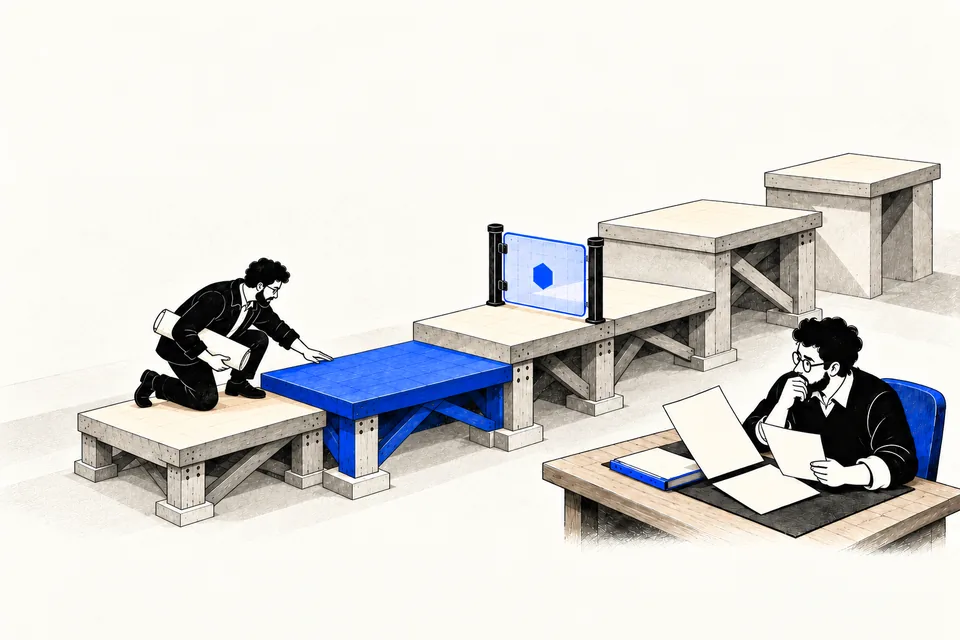
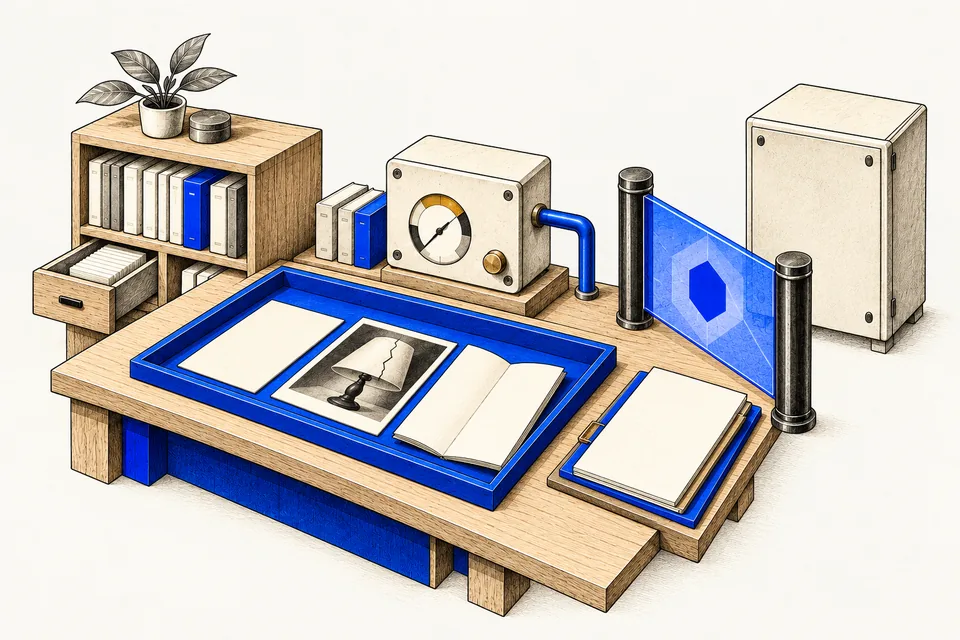
A human-free studio of context trays, evidence shelves, instruments, a closed gate and service cabinets.⏸ Control boundary · Instruments represent software components
Read the concept diagram

Add an assistant to a product you already run

Users ask questions, the assistant answers from your docs or data, and a person still presses the buttons.

Rung 1 on the ladder Gate 01 Gate 04 Gate 06

  1. Learn firstWhat a language model doesContext, tokens and hallucination are the three things that will bite first.
  2. Learn firstRetrieval (RAG)Your facts come from retrieval, not from the model.
  3. Watch it runThe policy specialist retrieves, with provenanceEvery answer cites the passage it came from.
  4. DecideGate 04: where does every fact come from?Grounding is the gate an assistant lives or dies by.
  5. BuildPlaybook: Data & AI platformGoverned data is what makes retrieval trustworthy.
  6. Check the numberAvailability and recovery budgetAn assistant that is down is a support ticket, not a feature.
  7. Worked exampleThe damaged-order case, one-agent designPolicy on the desk, cited, before a reply is drafted.
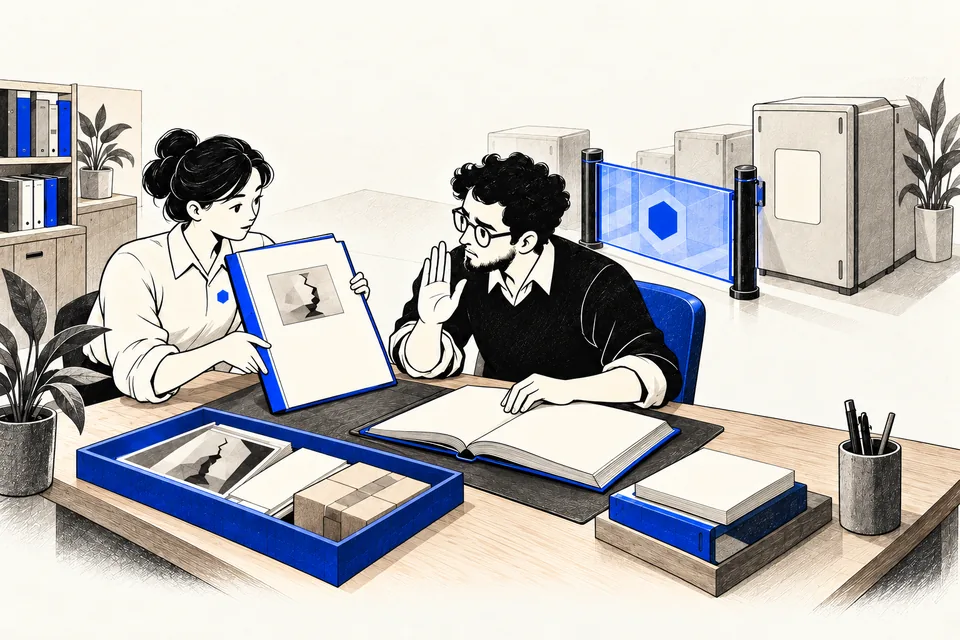
An outline software operator offers a proposal to a human reviewer beside an evidence tray and a closed gate.Outline operator: software metaphor · ⏸ Proposal awaiting review
Read the concept diagram

Let an agent act on customer records

Refunds, tickets, orders, accounts. The agent proposes and sometimes executes writes that cost money or trust.

Rung 3 on the ladder Gate 02 Gate 03 Gate 05 Gate 08

  1. Learn firstRunning it safelyIdentity, checks in code, approval and the kill switch.
  2. Watch it runA refund denied before executionThe gate decides, whatever the model said.
  3. Watch it runA planted instruction blocked by a checkAssume injected text will be followed; design so it cannot do harm.
  4. DecideGate 05: is every write typed, validated, idempotent and reversible?The write path is the whole risk.
  5. BuildPlaybook: Agentic AIThe questions first, then the build in order.
  6. Check the numberAvailability and recovery budgetDecide the recovery time before the first incident.
  7. Worked exampleThe damaged-order case: $84 refund, over the $50 approval lineAllowed for this identity, routed to a person, verified against records.

Automate a back-office process end to end

A multi-step process with handoffs, documents and systems of record, where today a person carries the context.

Rung 2 on the ladder Gate 01 Gate 02 Gate 07

  1. Learn firstFour questions decide whether an agent is the right callMost of these processes want a workflow with a model inside, not an agent.
  2. Learn firstWhat makes it an agentKnow the loop before you buy one.
  3. Watch it runCoordinator and specialist: a bounded work orderWhat a specialist is given, and what it is not.
  4. DecideGate 07: what does a run cost at ten times the volume?Back-office volumes make per-run cost the architecture.
  5. BuildPlaybook: Application modernizationThe process usually lives in a system that needs an API first.
  6. Check the numberAvailability and recovery budgetWhat the process can tolerate when the agent is down.
  7. Worked exampleBudget exhausted: a bounded exitA run that stops on its limit and hands off is the design working.
A human-free studio of context trays, evidence shelves, instruments, a closed gate and service cabinets.⏸ Control boundary · Instruments represent software components
Read the concept diagram

Put a knowledge system on company documents

Search and answers over policies, contracts, manuals. The hard part is who may see what, and proving where an answer came from.

Rung 1 on the ladder Gate 03 Gate 04 Gate 06

  1. Learn firstEmbeddingsHow 'similar' is computed, and why two models' vectors do not mix.
  2. Learn firstRetrieval (RAG)Owned, versioned, permission-filtered sources.
  3. Watch it runRetrieval with provenance, in the flagship lessonThe passage, its owner and its review date arrive together.
  4. DecideGate 03: what may the agent see, per user, enforced by the platform?A document index that ignores permissions is a breach waiting to happen.
  5. BuildPlaybook: Data & AI platformSomeone owns each layer.
  6. Check the numberGate checkScore the design before the first index is built.
  7. Worked exampleNo covering policy found: the run asks a personWhat a knowledge system should do when it has no evidence.

Coordinate several agents

A coordinator that delegates to specialists. The question is what each one owns and how much the coordination costs.

Rung 3 on the ladder Gate 02 Gate 03 Gate 07

  1. Learn firstMulti-agent systemsHub and spoke, and why a mesh does not scale.
  2. Watch it runCoordinator and policy specialistA work order out, a structured result back, and a specialist that cannot refund.
  3. DecideGate 02: what does each agent own, where does control pass, where does a human sit?Ownership is the design.
  4. Check the numberCoordination cost: n(n-1)/2 against n-1Count the links before you count the agents.
  5. BuildPlaybook: Agentic AIMulti-agent workflows in Azure AI Foundry over governed data.
  6. Worked exampleThe specialist's permissions are configuration, not natureA separate context is not a separate permission set.
An architect inspects five ascending platforms while an owner reviews the controls beside a closed gate. A lower platform is selected.⏸ Control boundary · Higher is not automatically better
Read the concept diagram

Decide whether AI belongs here at all

Leadership is asking what you have, where AI would pay off first, and what has to be true before you let it act.

Rung 0 on the ladder Gate 01 Gate 08

  1. Learn firstShould we build one?The questions, the ladder and the gates, in order.
  2. DecideThe estate map: where AI can goSix layers you already have, seven places AI can go.
  3. DecideThe autonomy ladderPick the rung the estate underneath can support.
  4. Check the numberRun the gate checkA score and a record you can take into the room.
  5. BuildThe six playbooksWhat a principal architect is asked to own, each with the questions first.
  6. Worked exampleOne request, every gate it crossesFifteen steps that show where each decision sits.

Brief builder

Four answers, one checklist for the design review.

Answer four questions. The brief lists the gates, lessons and checks that apply to your system. Your answers stay in your browser.

Will it execute actions that change records, money or messages?
Will it see data about identifiable people or tenants?
Will it read content it does not control (email, web pages, uploads, tickets)?
Will more than one agent be involved?

The brief is generated from the routes on this page. It is a starting checklist, not a review. Future versions will take more about your estate and return an architecture outline; the data model behind this page is built for that.