Get in touch
Open to principal-scope roles · Phoenix, Arizona · Remote or hybrid
Open to principal-scope roles · Phoenix, Arizona · Remote or hybrid
The illustrated library · free to explore
I use drawings to make a system easier to question: who owns it, what depends on it, where the evidence comes from and what happens when it fails. Start with a picture, then open the working lesson or reference behind it.
The illustrated studio
People making decisions, systems you can inspect, and boundaries you can question. Explore each illustration, then use the lesson or reference behind it.
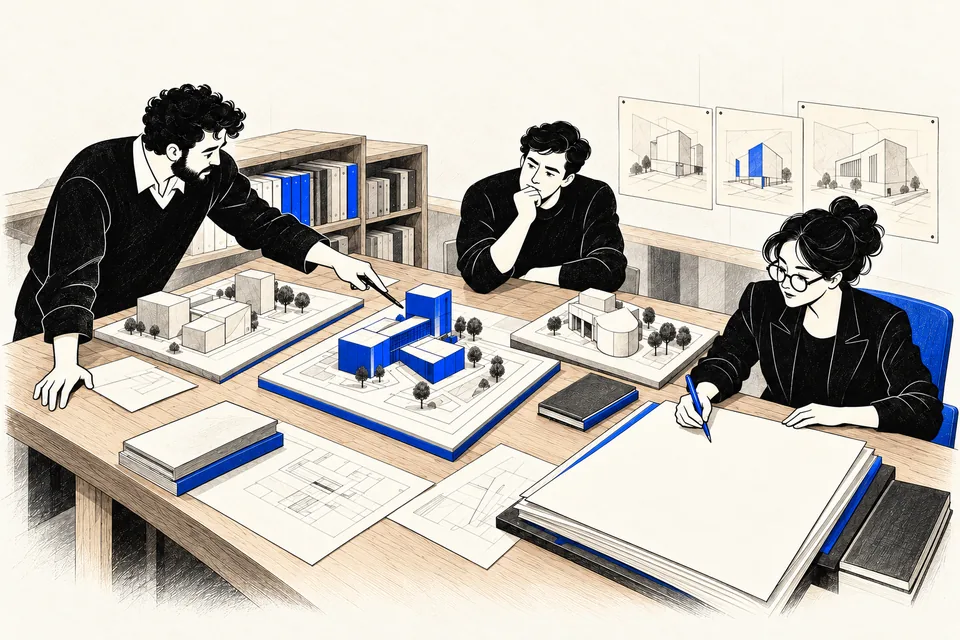
Compare alternatives, record the assumptions and name the owner.
Explore the working reference →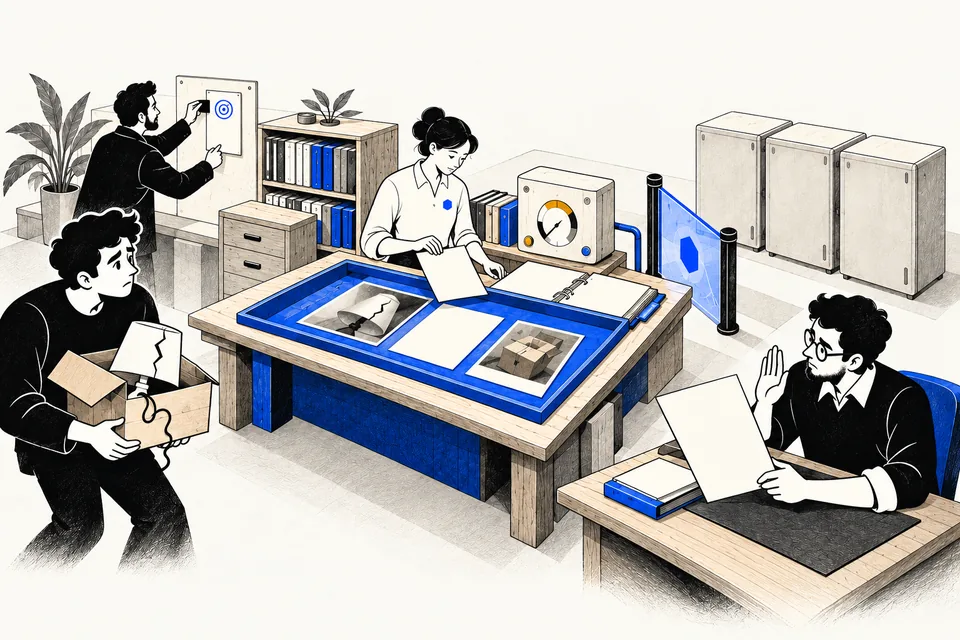
Follow one request through evidence, a proposal and a controlled action.
Explore the working reference →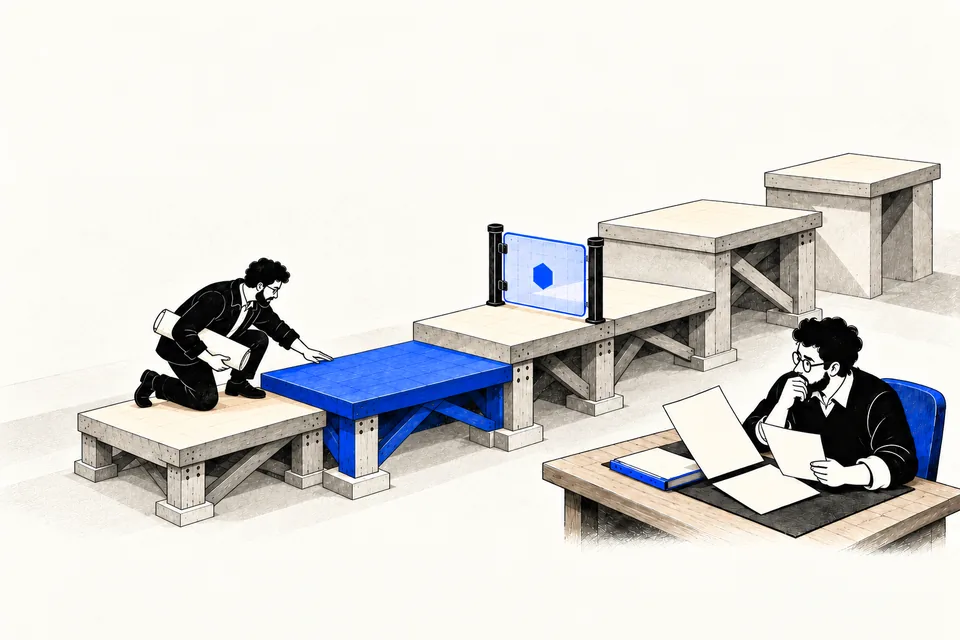
Inspect the controls. A lower rung can be the right final choice.
Explore the working reference →
The reviewer pauses at the boundary before an operation is attempted.
Explore the working reference →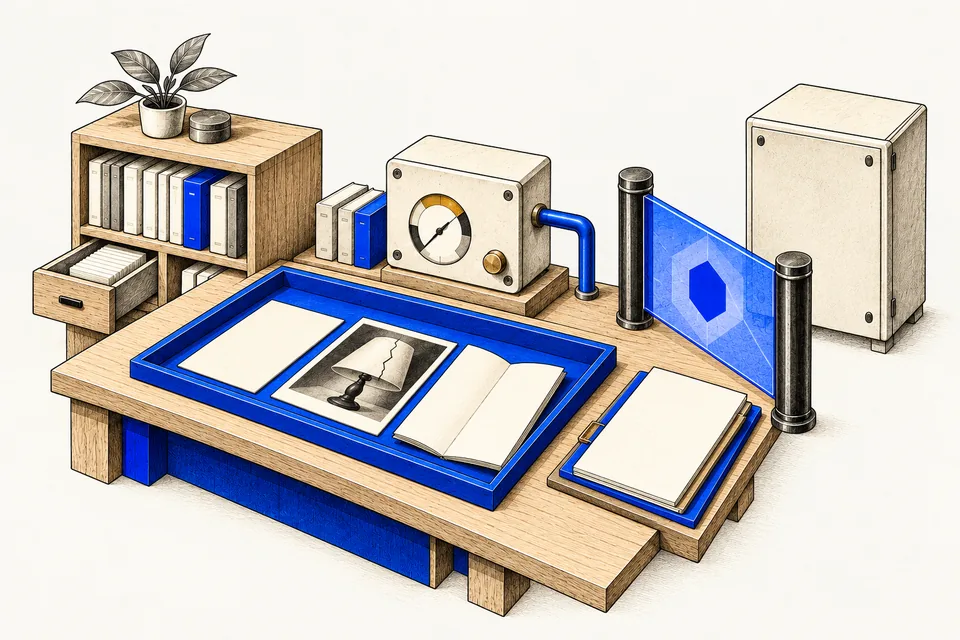
Context, evidence, models and services each have a different job.
Explore the working reference →
A portrait composition for reading the approval moment on a phone.
Explore the working reference →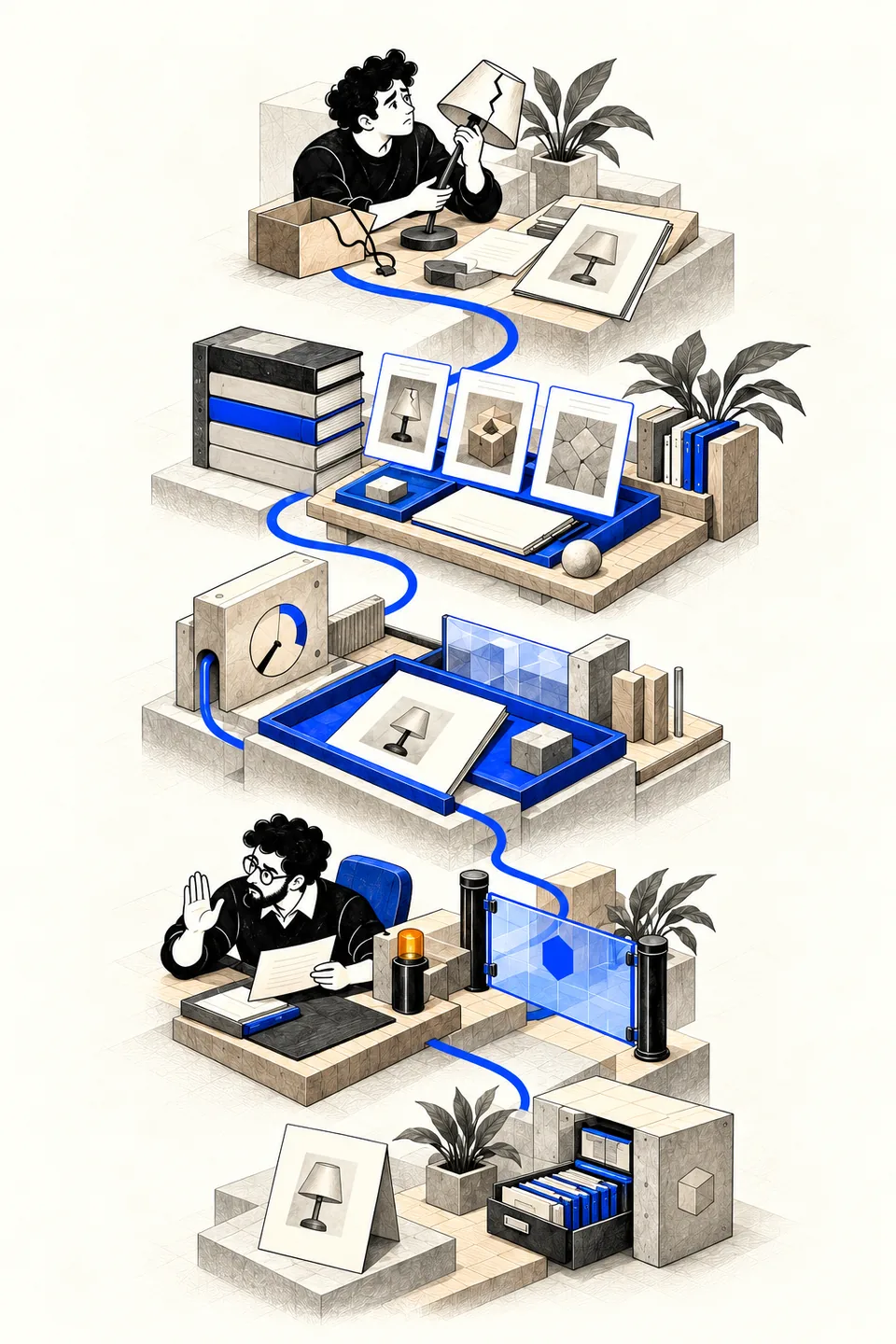
Question, evidence, proposal, boundary and receipt form a reading path.
Explore the working reference →Architecture and ownership
Systems, domain boundaries and an unverified dependency. Unknown links stay unknown.
Inspect the estate map →Compare cost, risk, time and fit. Keep the assumption, the owner and the revisit trigger beside the recommendation.
Use the decision record →An owner, a goal and five rungs. A lower rung can be the right final choice.
Explore the autonomy ladder →Identity, permissions, a budget and an event trail belong in the design from the start.
Read about operations →Two working studios
These pictures open interactive lessons with a trace, a concept inspector and conditions you can change.
Follow a damaged-order request through evidence, proposal, approval and receipt. Change a permission to see where the run stops.
Open the illustrated lesson →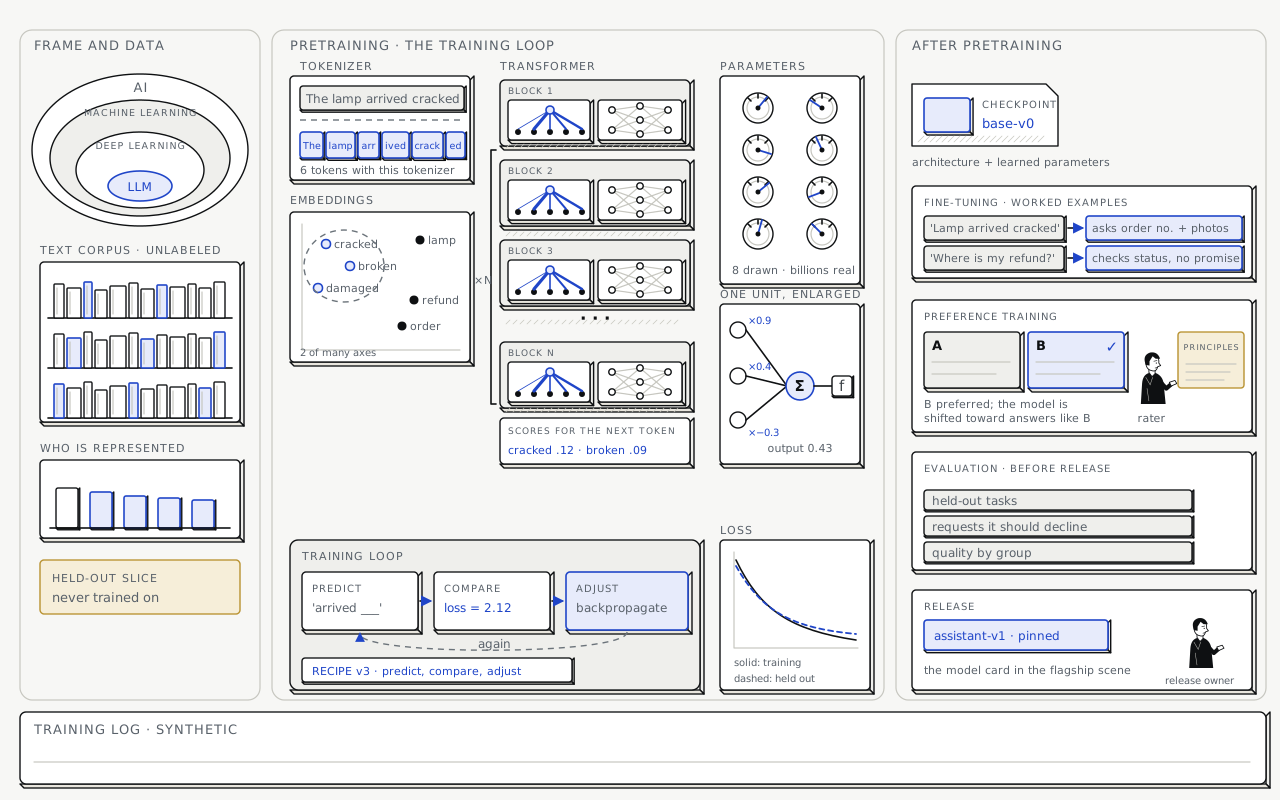
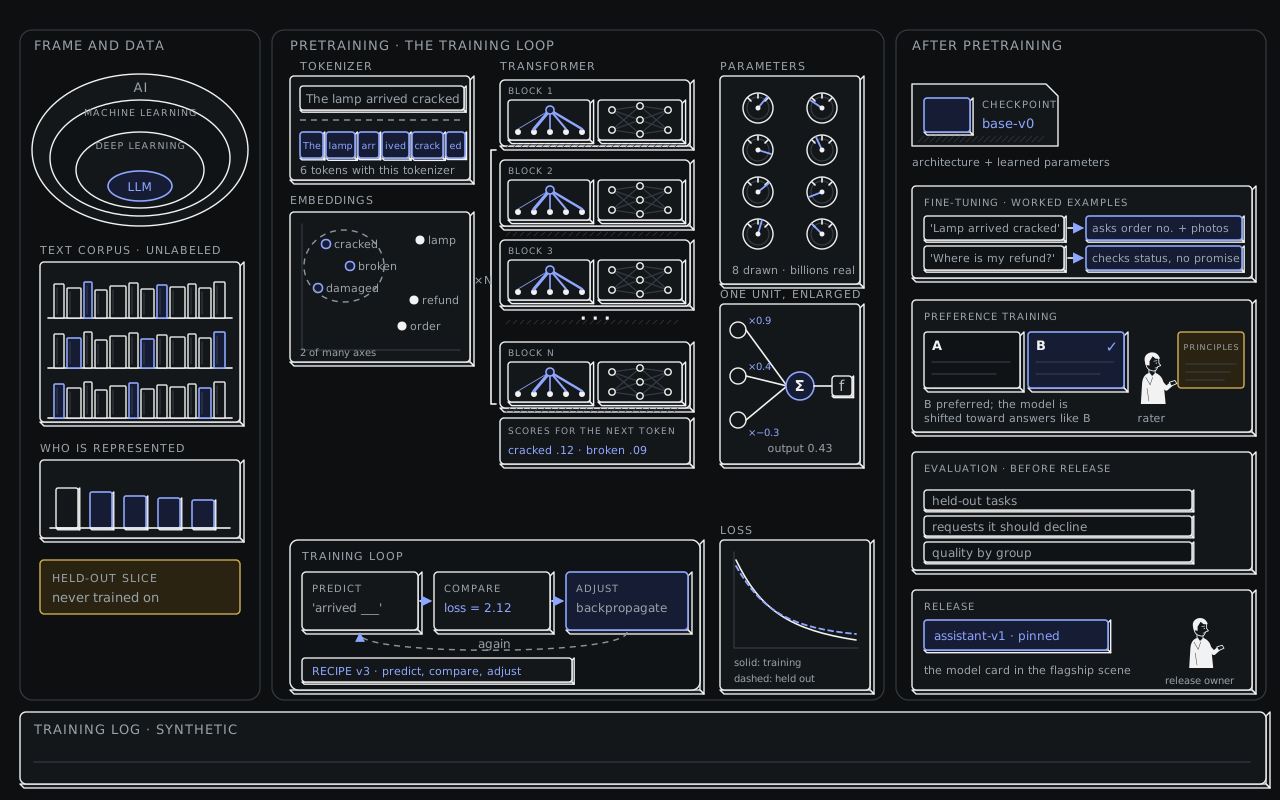
Move from raw text through training, preference feedback and evaluation to a pinned release.
Open the illustrated lesson →Systems at work
A person brings the problem. Software works inside a bounded runtime; a gate controls the protected operation.
Follow one request →A selected source enters the working context. A fluent answer still needs evidence.
Design an assistant →A proposed $84 refund waits at a closed gate. The reviewer can pause it before anything executes.
Inspect the approval boundary →A dispatch board, a bounded work order and a return tray make responsibility visible.
Plan a back-office workflow →Select a passage through a permission boundary. Keep its source, owner and review date.
Design knowledge retrieval →Specialists return results through a coordinator. Fewer possible links do not prove lower cost or better results.
Compare mesh and hub →Learning the parts
AI, machine learning, deep learning and language models describe nested families of systems.
Start with AI →Predict, compare and adjust. A training curve is only one part of deciding whether a model is ready.
Follow the training floor →Token tiles, repeated blocks and a bounded context give a language model its working shape.
Understand tokens →An operator is a software metaphor. The application supplies the tools, limits and stopping criteria.
Explore the agent loop →An aggregate score can hide uneven performance. Inspect the data and measure by group.
Understand data bias →Choose a route
Six guided paths, with a picture and a practical question at every stop.
Start the first path →Start with the situation. Find the lesson, controls, playbook and checks that belong together.
Choose your situation →Follow the relationships between ideas. Open any concept and choose the depth you need.
Open the living map →Field guides
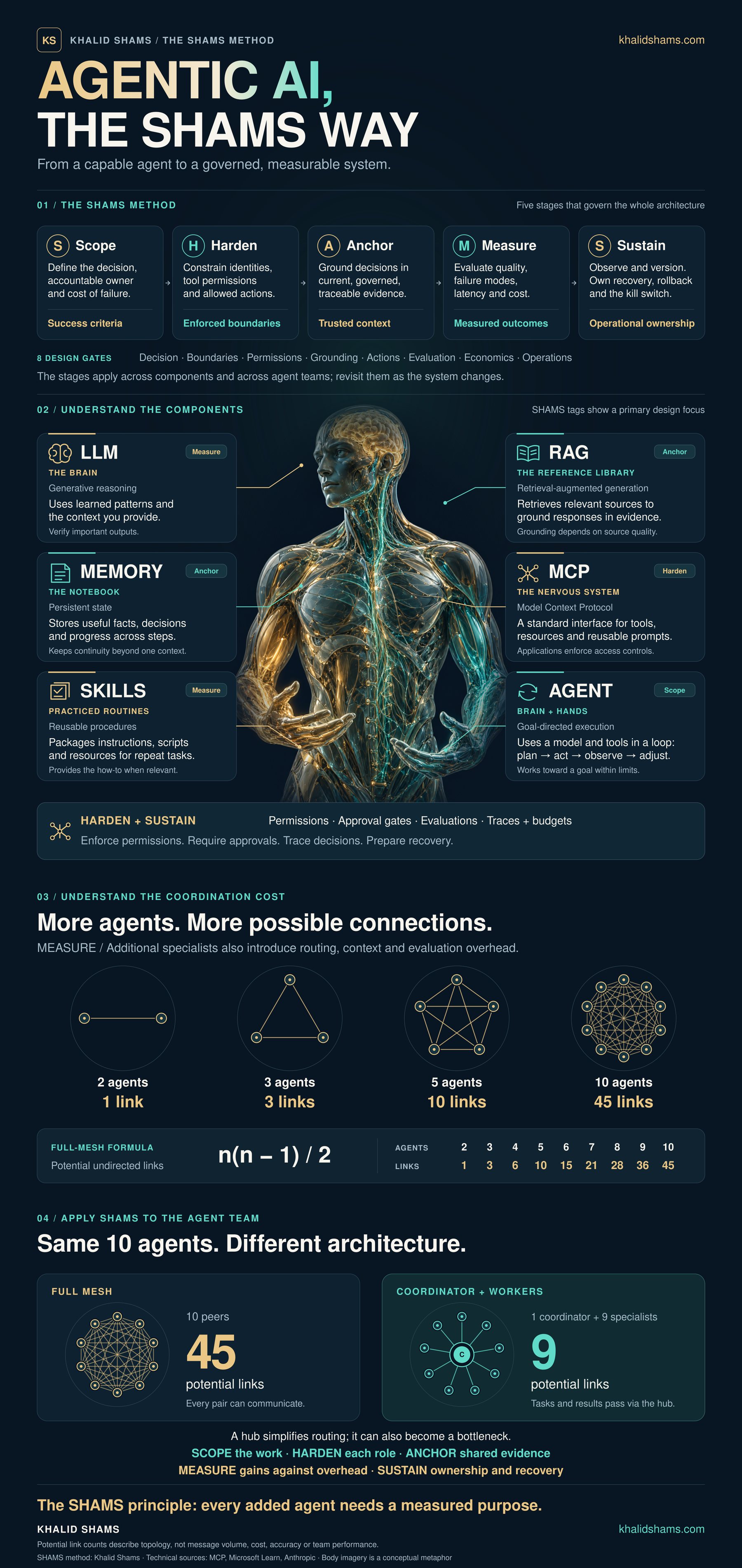
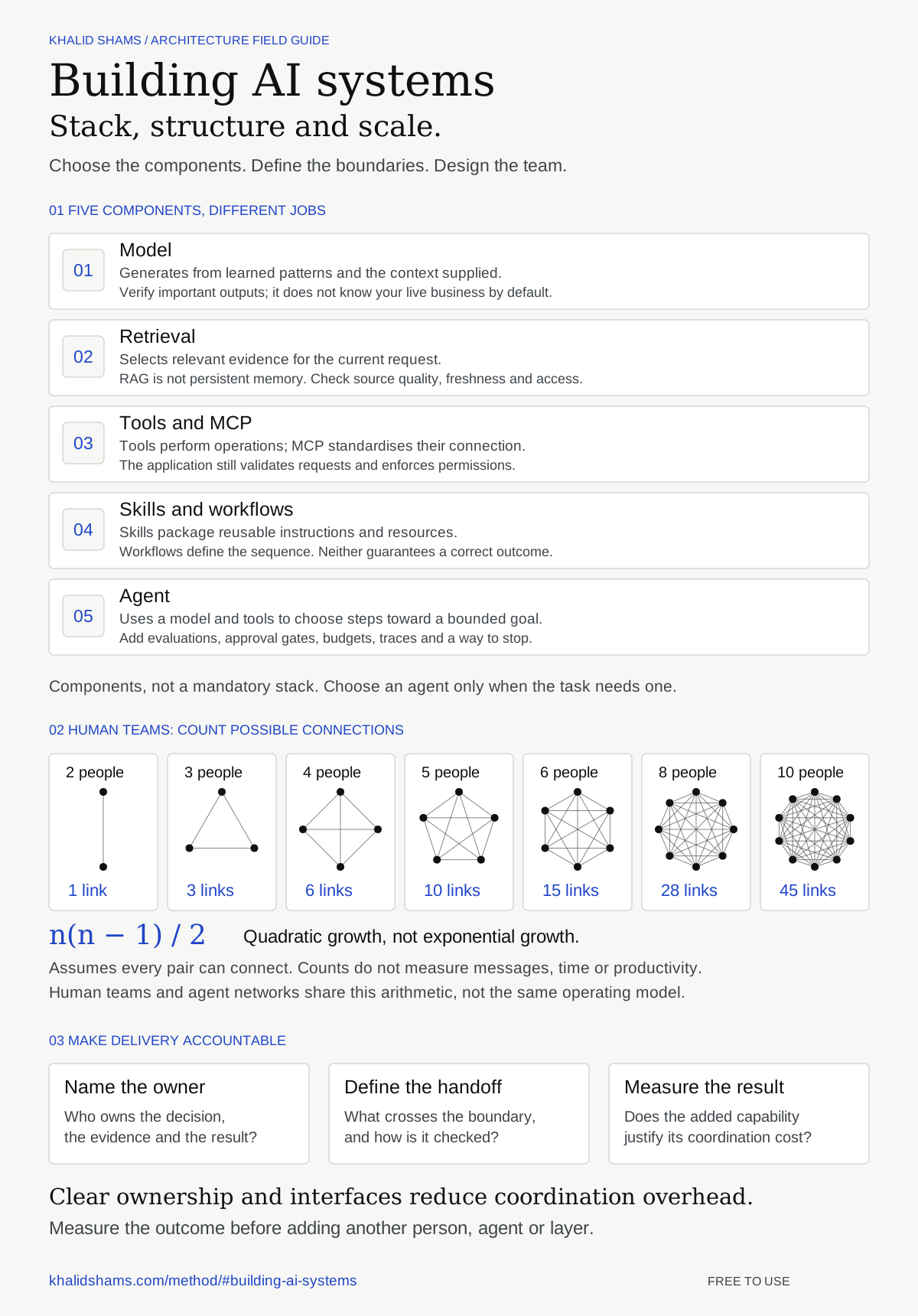
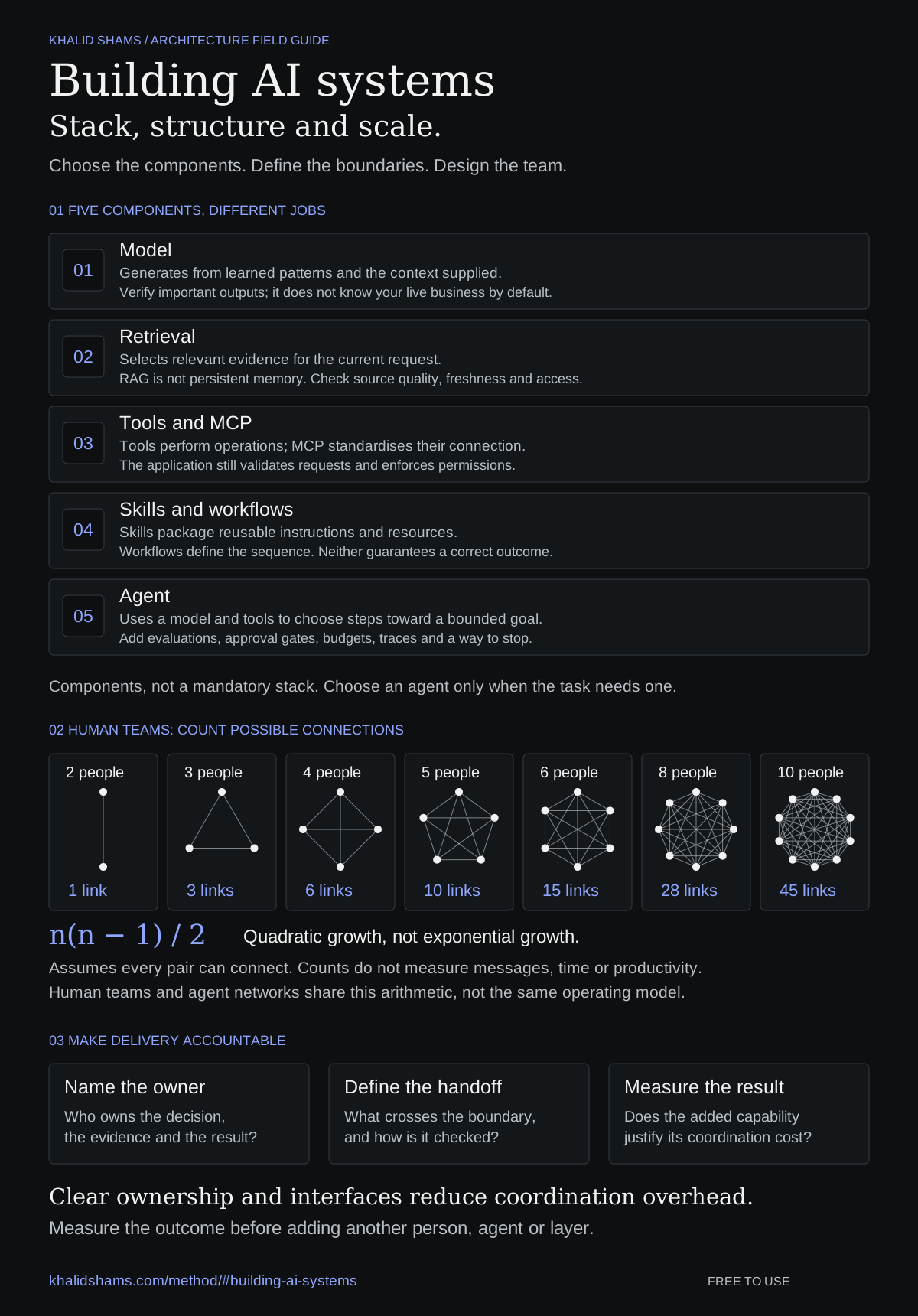
A short reference connects the components to the decisions. Open the explanation, change the team size, or keep the poster.
Free architecture reference
Five components, their limits, the arithmetic of possible team connections, and the decisions that make delivery accountable.
Download light SVG · Download dark SVG
The poster is a companion to Agentic AI, the SHAMS way.
Interactive diagrams
Select a dependency, compare coordination patterns or step through a lesson. The diagrams below keep their controls where the explanation lives.
How to read the pictures: solid figures are people. Outline figures labelled “software metaphor” represent software. Dashed boxes are boundaries. Cobalt marks focus or control; gold marks cost or pending work. Marks and labels carry the meaning alongside colour.